A hands-on walkthrough of every major QBO report — aging, sales, expense, payroll, accountant, journal, trial balance, budgets, cash flow — plus turning them into polished Excel graphs.
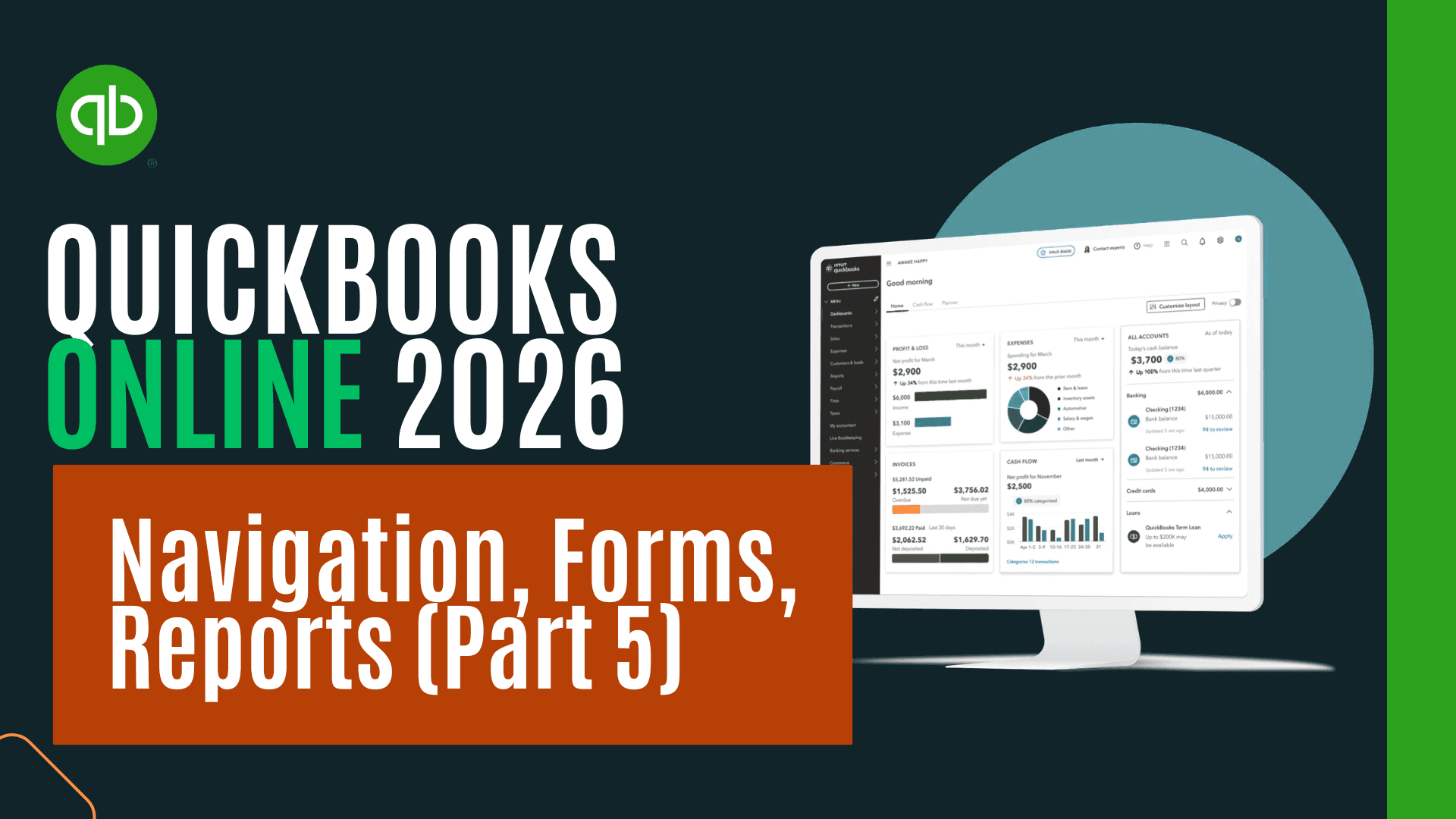
This course is a practical, end-to-end tour of the reporting engine inside QuickBooks Online 2026. Working entirely within the free QuickBooks Online test drive sample company file, you'll generate, customize, and interpret each of the major report categories that bookkeepers, accountants, and business owners rely on day-to-day — and you'll see how each report connects back to the balance sheet, the income statement, and the statement of cash flows.
The course is built around three things QuickBooks reports have to do well: tell you what's going on inside the business, give you the subsidiary detail you need to actually take action (call a customer, pay a vendor, file a 1099), and tie back cleanly to your formal financial statements. For each report, you'll see how to open it from the Reports center, why it exists, when you'd reach for it instead of a similar-looking report, how to customize the date range and columns, and how to drill down to the underlying transactions when something looks off.
You'll start with the receivables side — building the accounts receivable aging report and seeing how it relates to the customer balance summary, customer balance detail, and the open invoices inside the customer hub. From there, the course moves through the equivalent reports on the payables side, then into sales reporting (sales by customer, income by customer, sales by product and service), expense and vendor reporting, 1099 reports for contractor tax filings, inventory reports, payroll and employee reports, and the bundle of reports your accountant needs at year end including bank reconciliation reports.
The middle of the course covers the foundational accounting reports that sit underneath everything else — the transaction list by date, the journal report, and the trial balance — and walks through how each one is structured, what level of detail it provides, and how it reconciles to the balance sheet and income statement. You'll also build budget reports, including how to set up a budget in QuickBooks and produce budget vs. actual comparisons. The course closes its reporting section with the statement of cash flows, the third major financial statement, and explains why it tends to get less attention than the balance sheet and income statement.
The final section moves into Excel. For each of the four most graph-friendly reports — accounts receivable, accounts payable, sales by customer, and sales by product and service — you'll generate the report inside QuickBooks, export the data to Excel, clean it up, and build clear, presentation-ready graphs. You'll see how to consolidate multiple reports into a single year-end Excel workbook, how to use pasted-values copies and formula-driven totals so your graphs stay tied to your data, and how to format everything for printing or PDF export. By the end, you'll have a complete reporting workflow that runs from raw QuickBooks data through to a polished, graphed package suitable for sharing with management, clients, or your accountant.
The course is suitable for accounting and bookkeeping professionals, small business owners managing their own books, accounting students, and anyone preparing to support clients on QuickBooks Online.

CPA, CGMA, M.S. Tax, CPI
Through working with students from many different schools, Mr. Steele has learned best practices for helping people understand accounting fast. Learning new skills and finding the best way to share knowledge with people who can benefit from it is a passion of his. Mr. Steele has experience working as a practicing Certified Public Accountant (CPA), an accounting and business instructor, and curriculum developer. He has enjoyed putting together quality tools to improve learning and has been teaching, making instructional resources, and building curriculum since 2009. He has been a practicing CPA since 2005. Mr. Steele is a practicing CPA, has a Certified Post-Secondary Instructor (CPI) credential, a Master of Science in taxation from Golden Gate University, a Bachelor’s Degree in Business Economics with an emphasis in accounting from The University of California Santa Barbara, and a Global Management Accounting Designation (CGMA) from The American Institute of CPA (AICPA). Mr. Steele has also authored five books that can be found on Amazon or in audiobook format on Audible. He has developed bestselling courses in accounting topics including financial accounting and QuickBooks accounting software. In addition to working as an accountant, teaching, and developing courses Mr. Steele has helped create an accounting website at accountinginstruction, a YouTube channel called Accounting Instruction, Help, and How Too, and has developed supplemental resources including a Facebook Page, Twitter Page, and Podcasts that can be found on I-tunes, Stitcher, or Soundcloud. Mr. Steele's teaching philosophy is to make content applicable, understandable, and accessible. Adult learners are looking for application when they learn new skills. In other words, learners want to be able to apply skills in the real world to help their lives. Mr. Steele’s formal accounting education, practical work experience, and substantial teaching experience allow him to create a curriculum that combines traditional accounting education with practical knowledge and application. He accomplishes the goals of making accounting useful and applicable by combining theory with real-world software like Excel and QuickBooks. Many courses teach QuickBooks data entry or Excel functions but are not providing the real value learners want. Real value is a result of learning technical skills like applications, in conjunction with specific goals, like accounting goals, including being able to interpret the performance of a business. Mr. Steele makes knowledge understandable by breaking down complex concepts into smaller units with specific objectives and using step by step learning processes to understand each unit. Many accounting textbooks cram way too much information into a course, making it impossible to understand any unit fully. By breaking the content down into digestible chunks, we can move forward much faster. Mr. Steele also makes use of color association in both presentations and Excel worksheets, a learning tool often overlooked in the accounting field, but one that can vastly improve the speed and comprehension of learning accounting concepts. The material is also made understandable through the application of concepts learned. Courses will typically demonstrate the accounting concepts and then provide an Excel worksheet or practice problems to work through the concepts covered. The practice problems will be accompanied by an instructional video to work through the problem in step by step format. Excel worksheets will be preformatted, usually including an answer tab that shows the completed problem, and a practice tab where learners can complete the problem along with a step by step presentation video. Mr. Steele makes learning accounting accessible by making use of technology and partnering with teaching platforms that have a vision of spreading knowledge like CPDformula.
This portal is provided as a training and development resource for City of Markham employees. Every course is delivered by a qualified subject matter expert or learning organization, is quantifiable in hours, and is verifiable — you receive a documented certificate of completion for every course you finish, stored on LearnFormula indefinitely.
If you hold a professional designation (for example in engineering, accounting, human resources, or law), courses may be counted as professionally relevant, verifiable learning activities toward your continuing professional development. Individual practitioners are responsible for confirming that an activity meets the requirements of their professional body. For questions about the City of Markham's training and development policies, please speak with your people leader or Human Resources.
