Create Docs as Powerful As Apps In Coda (Without Excel)
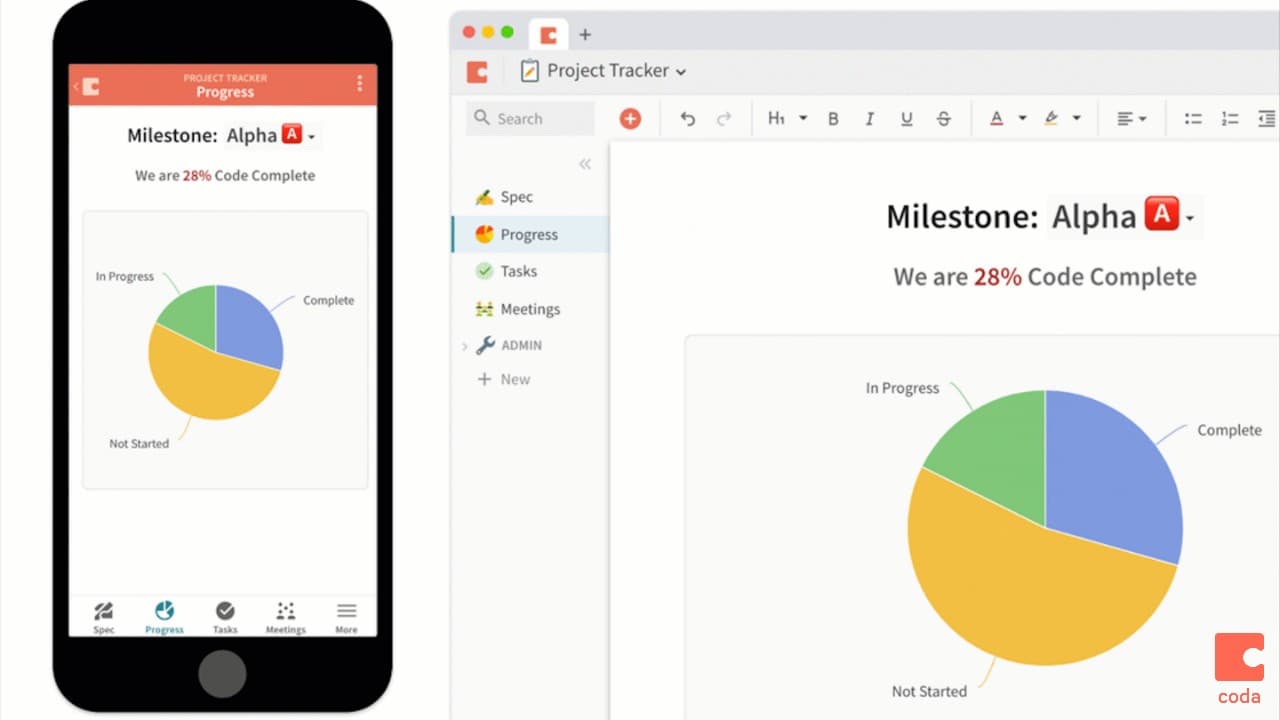
The spreadsheet has not changed much in 40 years, but your team and business have evolved quickly. In today’s Slack-a-fixed workplace, real-time updates and collaboration are the norms. Why are we still stuck in Excel and Google Sheets? Coda is a new type of document that blends the flexibility of documents, the power of spreadsheets, and the utility of applications into a single new canvas. Read more on Coda's blog about how the vision of the platform.
Anyone that is looking to analyze, visualize and organize data in a more actionable way. Instead of having your data trapped in a spreadsheet that is difficult to share with your colleagues, teammates, and clients. Coda allows you to share data easily and gives your team one single source of truth to turn to. In addition to accountants, this class is meant for Business Analysts, Operations/ Logistics, Project Managers, Independent Consultants & Freelancers, and Startup Founders & CEOs

Coda Evangelist, AWS Certified Solutions Architect
Al is a former financial analyst at Google. At Google, he built models, dashboards, and macros in Excel for Google's various business units. After Google, he did freelance Excel consulting for Fortune 500 companies and started a blog about Excel at www.thekeycuts.com. He is currently a solutions architect at Coda (www.coda.io) where he helps the community move beyond spreadsheets to building applications in Coda.
This portal is provided as a training and development resource for City of Markham employees. Every course is delivered by a qualified subject matter expert or learning organization, is quantifiable in hours, and is verifiable — you receive a documented certificate of completion for every course you finish, stored on LearnFormula indefinitely.
If you hold a professional designation (for example in engineering, accounting, human resources, or law), courses may be counted as professionally relevant, verifiable learning activities toward your continuing professional development. Individual practitioners are responsible for confirming that an activity meets the requirements of their professional body. For questions about the City of Markham's training and development policies, please speak with your people leader or Human Resources.
