Boost productivity and precision. Master Excel's essential features to streamline accounting tasks, ensure data integrity, and generate robust financial insights.
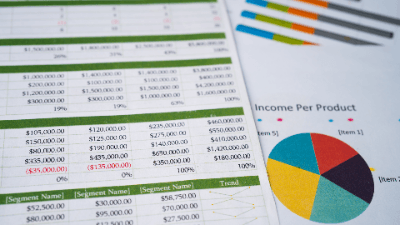
Many accounting professionals are unaware of Excel features and functions that improve spreadsheet accuracy and efficiency. In this presentation, author and Excel expert David Ringstrom, CPA, contrasts the SUM, SUBTOTAL, SUMIF, and SUMIFS functions, along with the Subtotal feature. You'll also learn how to use the Table feature to streamline sifting through lists of data, create self-expanding charts, and PivotTables that have much better integrity.
Topics covered:
Who should attend:
Professionals seeking to use Microsoft Excel more effectively.

CPA, Author, Professional Excel Spreadsheet Trainer and Consultant
David H. Ringstrom, CPA, is the author of Microsoft 365 Excel for Dummies, and a nationally recognized instructor who has taught over 2,500 live webinars. His Excel courses are based on over 30 years of consulting and teaching experience. David’s catchphrase is “Either you work Excel, or it works you,” so he focuses on what he sees users don’t, but should know about Microsoft Excel. His goal is to empower you to use Excel more effectively. David has authored or co-authored 10 books, including Exploring Microsoft Excel's Hidden Treasures, QuickBooks Online for Dummies, and Idiot's Guide to Introductory Accounting.
This portal is provided as a training and development resource for City of Markham employees. Every course is delivered by a qualified subject matter expert or learning organization, is quantifiable in hours, and is verifiable — you receive a documented certificate of completion for every course you finish, stored on LearnFormula indefinitely.
If you hold a professional designation (for example in engineering, accounting, human resources, or law), courses may be counted as professionally relevant, verifiable learning activities toward your continuing professional development. Individual practitioners are responsible for confirming that an activity meets the requirements of their professional body. For questions about the City of Markham's training and development policies, please speak with your people leader or Human Resources.
